
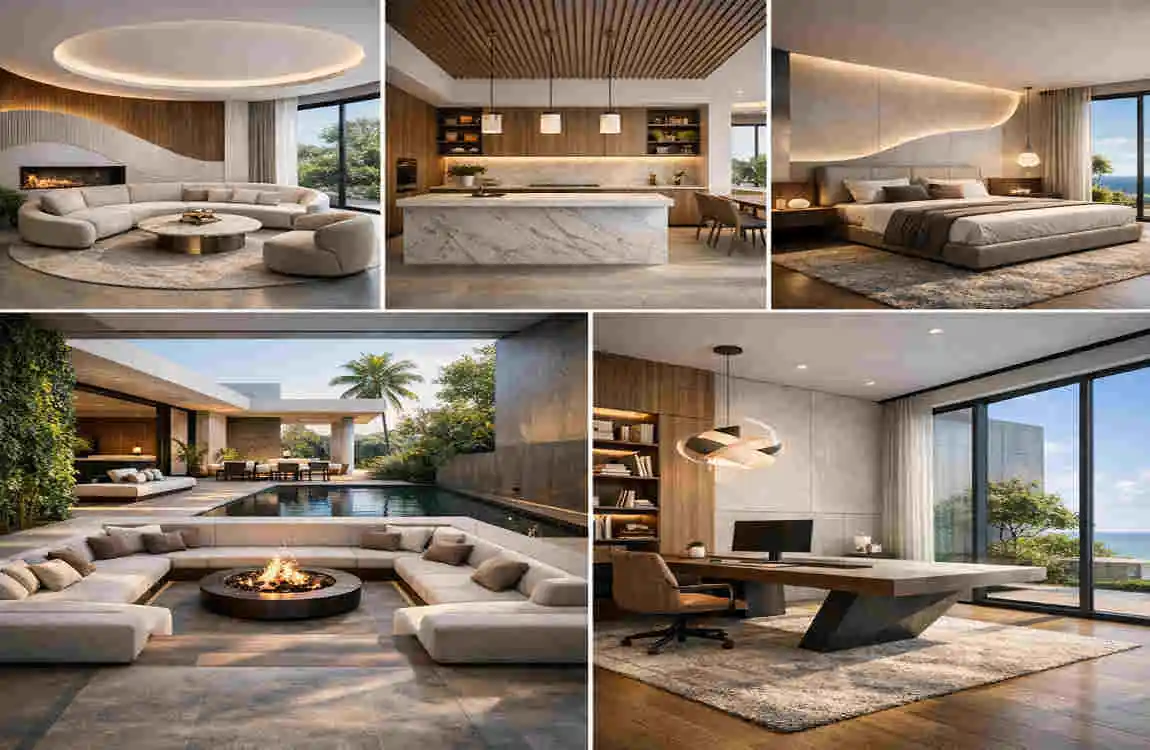
An AI interior design generator is changing how people plan their homes. Instead of guessing how a room will look, you can now test styles, furniture, colors, and layouts in a few minutes. This makes the whole design process feel easier, faster, and far less stressful.
If you are planning a refresh, a renovation, or even just one room update, AI can help you explore ideas before you spend money. That is a big advantage. You can try different looks, compare options, and see what fits your space best.
What Is an AI Interior Design Generator?

An AI interior design generator is a digital tool that creates room design ideas for you. You usually give it a photo, a short description, or your style preferences, and it creates a visual concept based on that input.
It can analyze factors such as room shape, wall color, existing furniture, and lighting. Then it suggests a new look that matches your style. This makes it useful for people who want ideas but do not know where to start.
What AI Can Usually Create
An AI design tool may generate:
- Room layouts
- Furniture arrangements
- Color palettes
- Lighting ideas
- Wall finishes
- Flooring concepts
- Decorative accents
These images can help you imagine the final result before you buy anything. That is why so many homeowners now use AI during the early planning stage.
AI Visualization vs. Professional Design
AI is great for fast ideas and visual experiments. A professional interior designer, on the other hand, offers more in-depth planning, technical expertise, and personal guidance.
So think of AI as your creative helper. It can show possibilities. A designer can help turn those ideas into a practical, real-world plan.
Best Modern Home Design Ideas Using AI
Minimalist Interior Designs
Minimalist rooms work very well with AI because the style is clean and simple. You can quickly test layouts with fewer furniture pieces and see how open the room feels.
This style often uses neutral colors, straight lines, and simple furniture. It also focuses on function, so every item has a clear purpose.
If you want a calm and tidy home, this is a strong direction to try first.
Modern Luxury Interiors
AI can also create elegant luxury looks with ease. You can explore polished surfaces, statement lights, and rich textures without committing to expensive purchases right away.
Think of marble accents, metal details, glass tables, and soft neutral shades. These elements give a room a stylish and refined feel.
Luxury design often depends on balance. AI can help you compare bold and subtle versions until the space feels just right.
Scandinavian-Inspired Rooms
Scandinavian design is another popular option. It usually combines light wood, soft colors, and practical furniture. The result feels warm, bright, and comfortable.
This style is especially useful if you want a room to look open but still cozy. AI can show you how different wood tones and fabrics work together.
It is a simple style, but it feels very welcoming in modern homes.
Modern Industrial Style
Industrial rooms often use darker shades, black metal, and raw-looking finishes. AI can help you test concrete-style walls, exposed details, and bold furniture pieces.
Wood and leather also work well in this style. They soften the harder materials and keep the room from feeling too cold.
If you like a strong and urban look, this style can be very effective.
Contemporary Warm Interiors
Warm contemporary design is ideal for people who want modern style without a cold feeling. AI can help you design rooms in cream, beige, and earth tones, with soft textures.
This style feels gentle and lived-in. It works especially well in living rooms and bedrooms where comfort matters most.
With AI, you can try different fabric textures, lighting levels, and color mixes until the room feels balanced.
Room-by-Room AI Interior Design Ideas
AI Living Room Design
The living room is one of the easiest places to start. You can use AI to test sofa placement, coffee table size, accent chairs, and lighting ideas.
Try different layouts to see how the room feels for daily life and for guests. A small shift in furniture arrangement can make a big difference.
You can also use AI to explore feature walls, art placement, and modern lighting. This helps you build a room that feels complete rather than crowded.
AI Bedroom Design
A bedroom should feel calm and restful. AI can help you test peaceful color palettes, bed placement, wardrobes, and soft décor.
If your room is small, try space-saving ideas first. If it is large, you can experiment with a more layered and decorative look.
This is a great room to use AI on because you can quickly compare relaxing styles without making physical changes.
AI Kitchen Design
The kitchen often needs both style and function. AI can help you try different cabinet colors, backsplash materials, and island layouts.
You can also explore open-plan designs if your kitchen connects to a dining or living space. This is useful for modern homes, where rooms often flow into one another.
A good AI image can help you see whether your kitchen feels practical before you start renovations.
AI Bathroom Design
Bathrooms are perfect for AI because tile, lighting, and vanity choices change the mood so much. You can test sleek modern looks or softer spa-style designs.
Try different tile patterns, sink styles, and mirror shapes. You can also see how lighting changes the room’s mood.
Even a small bathroom can look more polished when you use AI to plan it well.
AI Home Office Design
A home office needs to feel productive but not boring. AI can help you arrange your desk, storage, and lighting to support focus.
You can also test wall colors that improve concentration and reduce visual clutter. If you work from home often, this kind of planning is very useful.
It is easier to work well in a room that feels organized and comfortable.
How to Use an AI Interior Design Generator Effectively
Start With Accurate Room Details
The better your input, the better the result. If the tool allows it, add your room dimensions, windows, doors, and fixed features.
A clear photo also helps a lot. If the image is dark or cluttered, the AI may struggle to understand the space properly.
Choose One Clear Design Style
Do not ask for too many styles at once. Instead, start with one focus such as:
- Modern
- Minimalist
- Scandinavian
- Industrial
- Contemporary
- Luxury
This makes the result cleaner and easier to use.
Share Your Colors and Needs
Tell the AI what colors you like and what the room needs to do. For example, do you need storage, kid-friendly furniture, or a work area?
Also mention if you prefer soft neutrals, darker tones, or brighter accent colors. These details help the tool create a design that feels more personal.
Think About Budget and Reality
AI can create beautiful rooms, but you still need to stay practical. Consider your budget, the size of your room, and the furniture you can actually buy.
A design is only useful if it fits your real life.
Features to Look for in an AI Interior Design Generator
A good tool should offer useful features that make the design process easier. Look for options like:
- Photo-based redesign
- Multiple style choices
- Furniture visualization
- Color palette suggestions
- Layout ideas
- Before-and-after views
- Easy prompt editing
- Save or export options
These features help you compare ideas and stay organized during planning.
AI Interior Design Ideas for Small and Large Homes
Small Modern Homes
In small homes, AI can help you save space. Try compact furniture, wall-mounted storage, and light colors to make the room feel bigger.
Mirrors and smart lighting can also improve the sense of openness. AI is useful here because it can show you how to keep the room functional without making it feel full.
Large Modern Homes
Large homes give you more room to experiment. You can use AI to design open-plan spaces, bold feature walls, and layered lighting.
It can also help you connect several rooms with a single design theme, so the home feels coordinated rather than random.
This is especially helpful in homes with open living areas or multiple connected spaces.
AI Interior Design Generator vs. Traditional Interior Designer
Feature AI Interior Design Generator Professional Interior Designer
Initial ideas Very fast Based on consultation
Visualization Great for concepts More detailed and personalized
Cost Often low or free Usually higher
Room planning Helpful for inspiration More precise
Construction knowledge Limited Strong professional expertise
Personal guidance Limited High
Best use Experimenting and inspiration Full design planning
Which One Should You Use?
Use AI when you want quick ideas and visual exploration. Use a designer when your project needs detailed planning, structural changes, or expert advice.
For many homeowners, the best approach is to use both. AI helps you explore. A professional helps you refine.
Tips for Better AI Design Results
To get better results from an AI interior design generator, keep your instructions clear and specific.
Helpful Tips
- Use a clear room photo
- Add room size if possible
- Pick one style first
- Mention must-have furniture
- State your color preferences
- Ask for more than one variation
- Check the results carefully
- Compare AI ideas with real measurements
This simple approach saves time and reduces mistakes.
Benefits of Using an AI Interior Design Generator
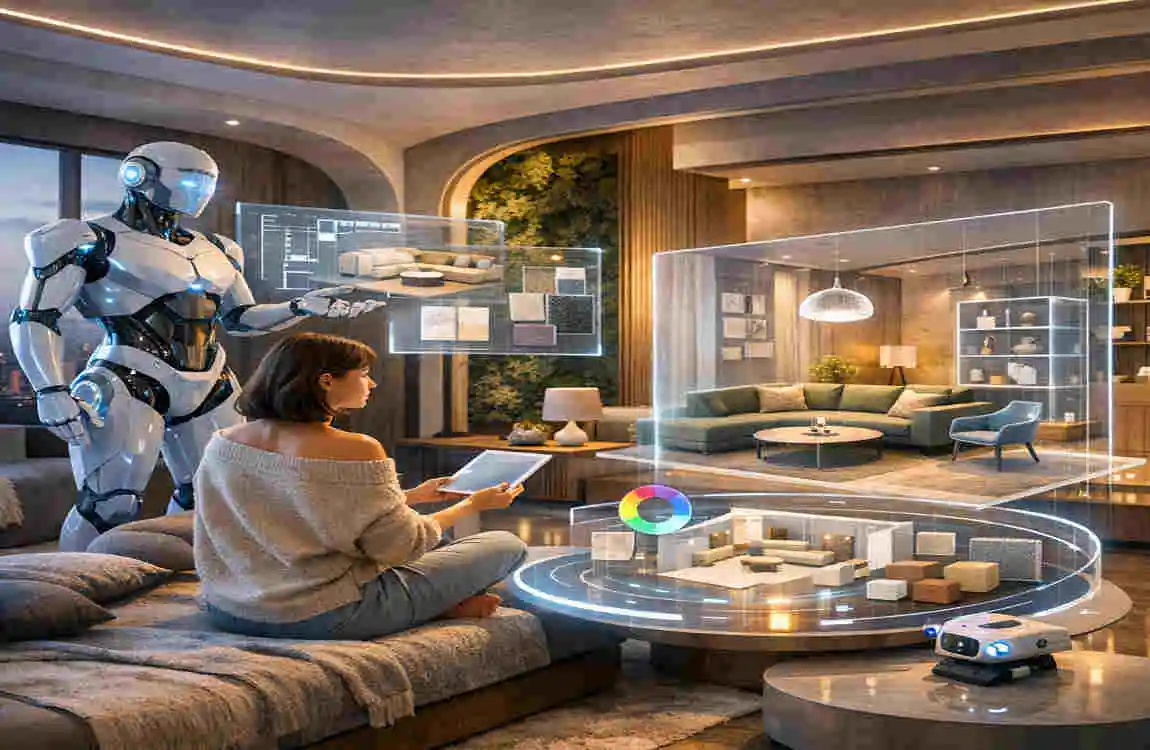
AI design tools offer several clear advantages. They can save time, spark creativity, and make design decisions feel less overwhelming.
They also help you compare styles before buying furniture or paint. That can prevent expensive mistakes.
For beginners, AI is especially helpful because it makes interior design feel more approachable and less technical.
Limitations of AI Interior Design Tools
Even though AI is useful, it has limits. It may not understand exact measurements, real-world construction details, or product availability.
Sometimes the generated image looks beautiful but would not work in a real room. That is why you should treat AI as inspiration, not a final building plan.
If you are changing walls, wiring, or plumbing, always get professional advice.
Frequently Asked Questions
What is an AI interior design generator?
It is a digital tool that creates interior design ideas using photos, prompts, room details, and style preferences.
Can AI redesign my existing room?
Yes. Many tools can transform a photo of your room into new styles, layouts, and color schemes.
Is an AI interior design generator free?
Some are free, while others offer paid features for better quality or more advanced options.
Can AI design a small room?
Yes. AI can suggest space-saving furniture, smart layouts, and light colors for small spaces.
Can AI replace an interior designer?
Not fully. AI is great for inspiration, but professionals are better for detailed planning and technical work.
How do I get better AI design results?
Use clear photos, specific styles, accurate room details, and realistic furniture needs.
| Design Idea | AI Generator Prompt / Concept | Best For |
|---|---|---|
| Modern Minimalist Living Room | Neutral colors, clean lines, simple furniture, natural light | Small & modern homes |
| Luxury Bedroom | Elegant textures, soft lighting, modern furniture, warm tones | Master bedrooms |
| Modern Kitchen | Sleek cabinets, marble island, hidden storage, pendant lights | Contemporary kitchens |
| Scandinavian Interior | Light wood, white walls, cozy textiles, simple décor | Bright, peaceful spaces |
| Modern Farmhouse | Wood accents, neutral colors, comfortable furniture | Family homes |
| Japandi Design | Japanese simplicity with Scandinavian warmth and natural materials | Calm interiors |
| Smart Home Office | Minimal desk, ergonomic chair, built-in storage, modern lighting | Work-from-home spaces |
| Small Apartment Design | Space-saving furniture, multifunctional storage, light colors | Compact homes |
