
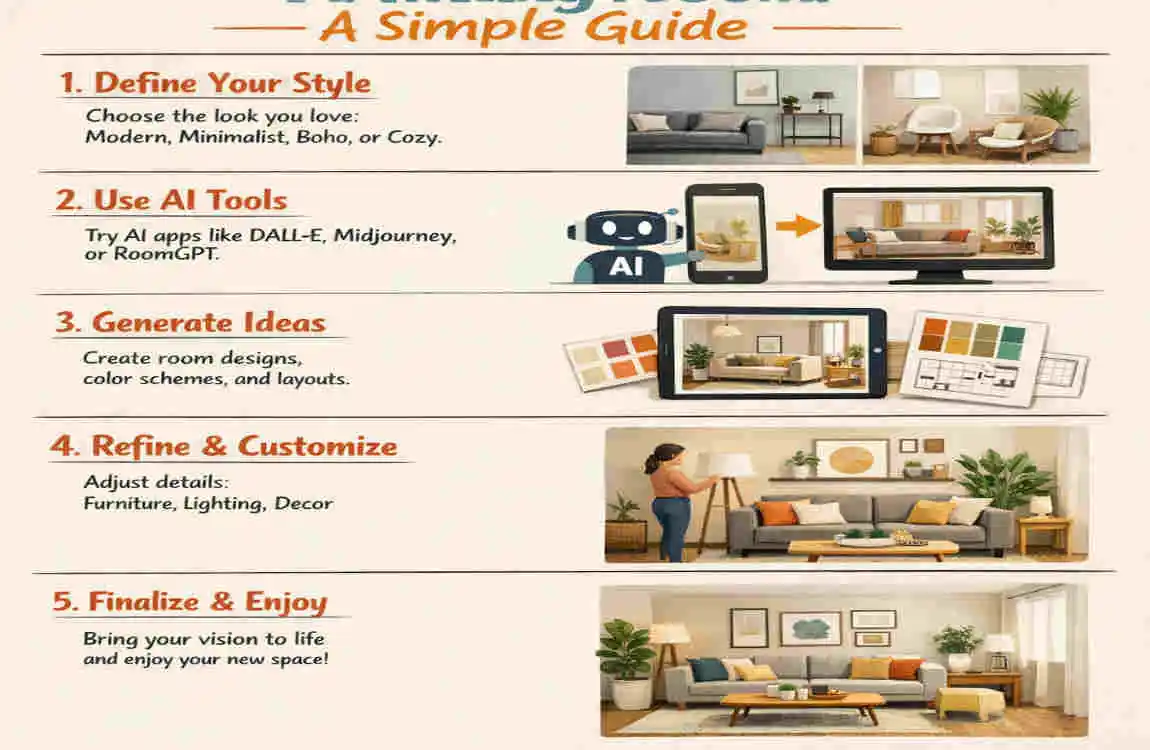
AI is changing how people plan and decorate their homes. Instead of guessing where to place a sofa or which wall colour will work best, you can now use smart tools to test ideas before buying anything. That makes decorating easier, faster, and far less stressful.
If you are looking for the best AI interior design for a living room, the good news is that AI can help with layouts, colours, furniture placement, and styling ideas for both small and large rooms. You can upload a photo, enter room details, and quickly see different looks without having to start from scratch.
What Is AI Interior Design for a Living Room?
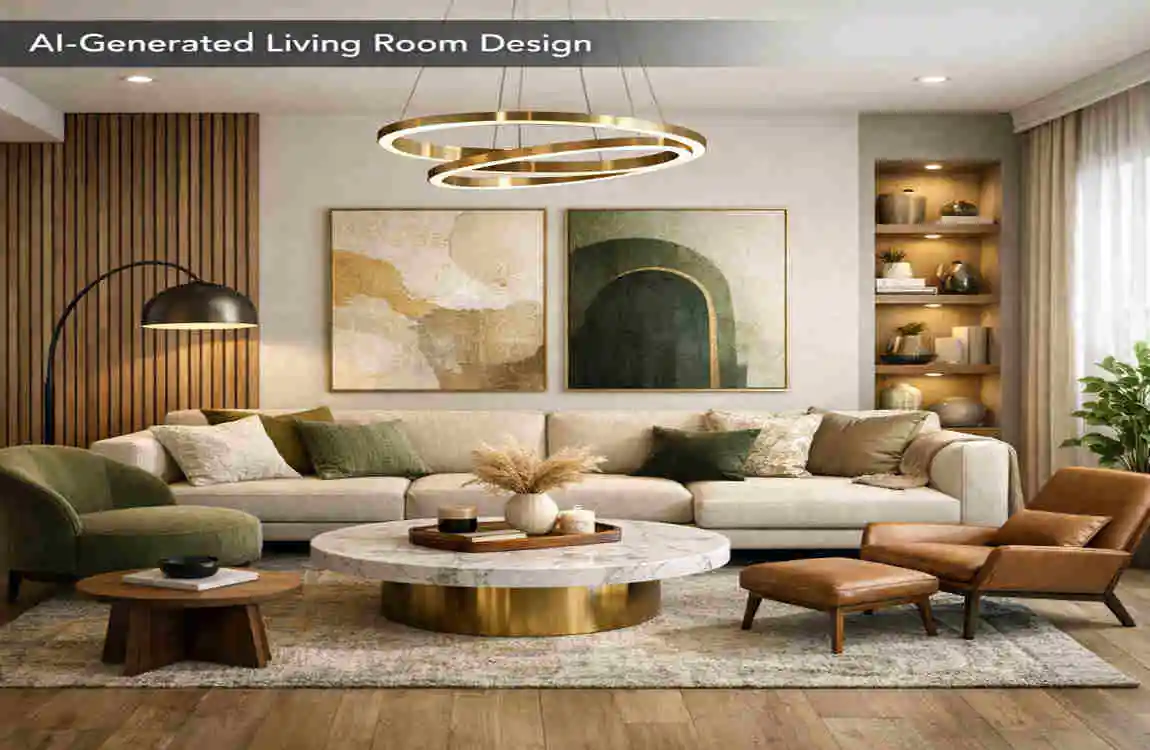
AI interior design uses smart software to study a room and suggest design ideas. It can provide layout options, colour combinations, and décor concepts tailored to your space and style preferences.
How AI Design Tools Work
Most tools start with a photo upload or room details like dimensions, windows, and furniture you already have. The AI studies the space and creates design ideas based on the information you provide.
Some tools let you choose a style first, such as modern or traditional. Others generate several looks automatically so you can compare them side by side.
What AI Can Help You Design
AI can help with many parts of the living room, including:
- Furniture placement
- Wall colors
- Lighting ideas
- Flooring suggestions
- Rugs and curtains
- Décor and accessories
- Overall room style
This makes it useful if you want a fresh look but do not know where to begin.
Why AI Design Is Becoming Popular
People like AI design because it saves time. It also helps beginners try ideas without feeling overwhelmed.
Another big reason is visualization. It is easier to make decisions when you can actually see how a room might look before spending money.
How to Choose the Best AI Interior Design for Living Room
Look for Easy-to-Use Features
A good AI living room design tool should feel simple from the start. You should be able to upload a photo, add room details, and get results without confusion.
Look for tools that offer multiple design styles and realistic room images. The more natural the preview looks, the easier it is to judge whether the idea will work in your home.
Check Customization Options
The best tool should not force you into a one-size-fits-all design. You should be able to adjust room size, colours, materials, lighting, and furniture preferences.
If you already have a sofa, rug, or table, it helps when the AI can work around those pieces. That way, the design feels more realistic.
Consider Your Budget
Some tools are free, while others offer limited free use and charge for advanced features. Paid platforms may give you better results, more styles, or more detailed room plans.
Before you pay, compare what each tool gives you. A simple free tool may be enough if you only need inspiration. A premium option may be better if you want more control.
Best AI Living Room Design Ideas to Try
Modern Living Room
A modern living room usually has clean furniture, neutral colours, and simple décor. It feels fresh, open, and easy to live in.
AI tools often do a good job with modern spaces because the design lines are clear and uncluttered. This style works well if you want a neat, polished room.
Minimalist Living Room
Minimalist design focuses on less furniture and more open space. It uses a simple colour palette and avoids visual clutter.
This style is great for people who want calm and order. AI can help you see how a few well-chosen pieces can make the room feel larger and lighter.
Contemporary Living Room
Contemporary design mixes modern comfort with stylish details. It often includes mixed textures, statement lighting, and elegant accessories.
If you want a room that feels current but still warm, this is a strong style to test in an AI room planner.
Traditional Living Room
Traditional living rooms feel cozy and familiar. They often use classic furniture, warm colours, and decorative touches.
AI can help you explore this style by showing richer fabrics, balanced layouts, and inviting seating.
Small Living Room Design
Small rooms need smart planning. AI can suggest space-saving furniture, lighter colours, and layouts that improve movement.
This is one of the most useful uses of AI because small spaces benefit from careful arrangement. A good layout can make the room feel much more open.
How to Use AI to Design Your Living Room
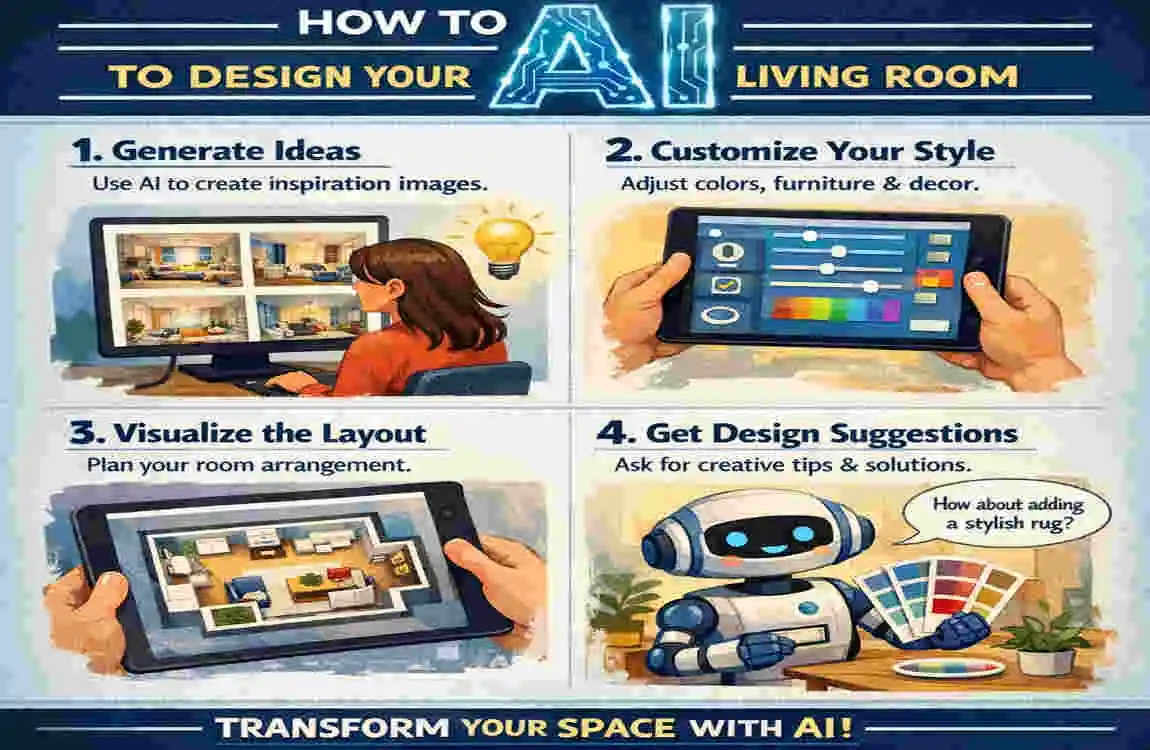
Start With a Photo or Room Measurements
A clear photo gives the AI a better understanding of your room. If you can, also measure the space and note where the doors and windows are.
This helps the tool make more realistic suggestions. Without accurate details, the design may look nice but not fit the room properly.
Select Your Preferred Style
Most AI design tools let you choose a style before generating ideas. Common options include:
- Modern
- Minimalist
- Scandinavian
- Industrial
- Traditional
- Luxury
Pick the style that matches how you want the room to feel. A simple choice at the beginning can save time later.
Generate Several Design Options
Do not stop at the first result. Try several versions to compare layouts, colours, and furniture ideas.
Sometimes the first design looks great, but the second or third one may fit your home better. The more versions you test, the easier it is to find a practical idea.
Turn the AI Concept Into a Real Design
Once you find a design you like, check whether the furniture sizes are realistic. AI can sometimes suggest pieces that look good but do not fit your actual space.
Also think about natural lighting, movement, and how you use the room every day. A beautiful layout should still be comfortable and easy to live with.
Benefits and Limitations of AI Interior Design
Main Benefits
AI design has several strong advantages. It saves time, gives fast inspiration, and makes it easier to compare styles.
It is also helpful for both homeowners and renters. You can test ideas without making permanent changes right away.
Important Limitations
AI is useful, but it is not perfect. It may misunderstand room size or place furniture in a way that looks good on screen but does not work in real life.
Some tools also hide advanced features behind a paywall. And even the best visual result still needs a human check before you buy anything.
Why Human Judgment Still Matters
Think of AI as a design assistant, not a full replacement. It can help you explore ideas, but you still need to judge comfort, function, and scale.
Your own taste and daily routine matter just as much as the image the software creates.
Tips for Getting Better AI Living Room Designs
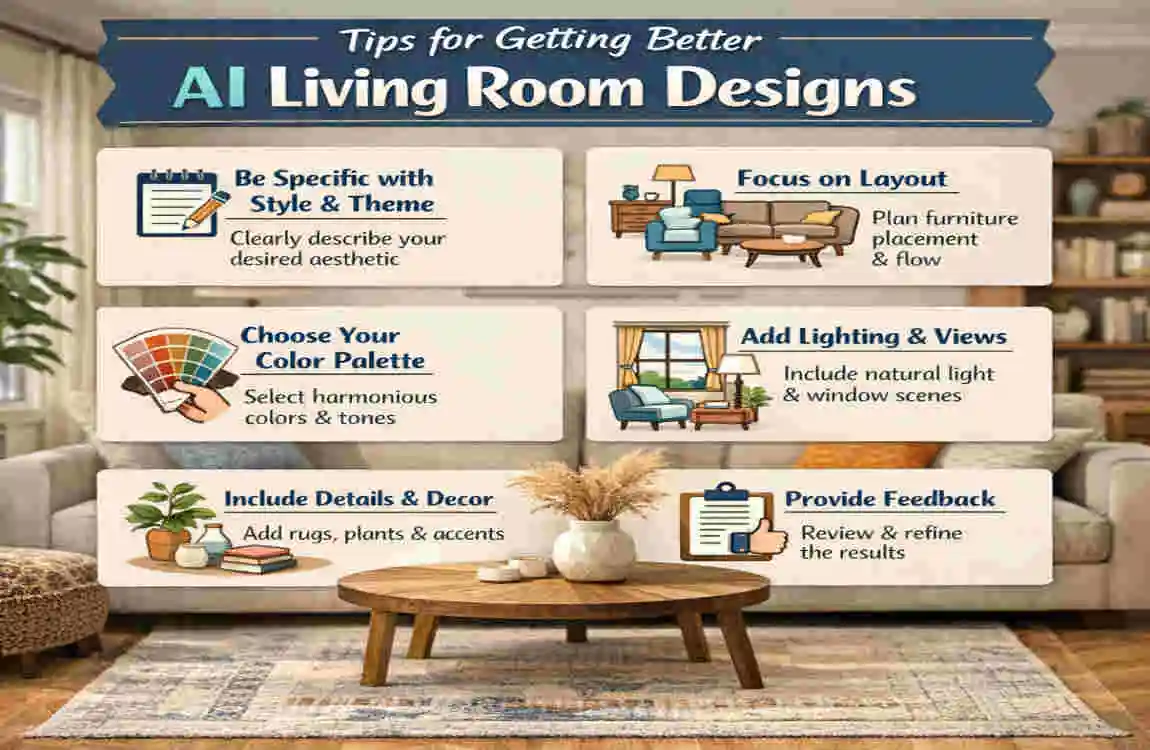
If you want better results, give the tool clear and useful information. A strong input usually leads to a stronger design.
Simple Tips That Help
- Use a clear, well-lit room photo
- Add accurate room measurements
- Mention colours you already like
- Tell the tool what furniture you want to keep
- Choose a realistic style for your home
- Generate several versions before deciding
- Check whether suggested pieces fit your room
- Focus on comfort, not just appearance
Frequently Asked Questions About AI Interior Design
What is the best AI interior design for a living room?
The best option depends on your needs. Look for a tool that is easy to use, offers good customization options, and provides realistic room visuals within your budget.
Can AI design my living room from a photo?
Yes, many tools can analyze an uploaded photo and create different room concepts based on it.
Is AI interior design free?
Some tools are free, while others offer limited free features and charge for advanced options.
Can AI help design a small living room?
Yes. AI can suggest better furniture placement, lighter colours, and layouts that make small spaces feel more open.
How accurate are AI living room designs?
They are great for ideas and planning, but you should still check measurements and practicality before making changes.
Can AI choose furniture for my living room?
AI can suggest furniture styles, colours, and placement. But you should still confirm the size, price, and availability of real products.
Home Plumbing Repairs Pipes: A Simple Guide
| Plumbing Repair | Common Problem | Simple Solution |
|---|---|---|
| Leaky Pipe | Dripping or wet areas | Tighten fittings or replace damaged sections |
| Burst Pipe | Sudden water flow | Shut off the main valve and replace the pipe |
| Clogged Pipe | Slow or blocked drainage | Use a plunger or suitable drain cleaner |
| Corroded Pipe | Rust or discoloration | Replace the affected pipe |
| Loose Joint | Water leaking at connections | Tighten the fitting or use plumber’s tape |
| Low Water Pressure | Weak water flow | Check for leaks, blockages, or faulty valves |
| Frozen Pipe | Little or no water flow | Warm the pipe slowly and check for cracks |
| Noisy Pipes | Banging or vibrating sounds | Secure loose pipes and check water pressure |
